Turn your PNGs into Procreate brushes
Upload transparent PNGs and get a ready-to-import .brushset back in seconds — what used to take hours of manual, brush-by-brush setup.
 Works with the latest version of Procreate
Drag & drop your transparent PNGs here, or click to browse
PNG files only
Hours → Seconds
What used to be manual, brush-by-brush Procreate setup now finishes while you wait.
500 brushes in ~34s
Real number from our own stress test — batch size doesn't slow it down.
100% iPad
Runs right in Safari. Upload, name, download — no desktop required, ever.
Deleted after download
Your artwork and generated files are wiped from our servers the moment you're done.
Built for how you work
Whether you're running a brush shop or just making stamps for yourself, Brush Packer fits the workflow.
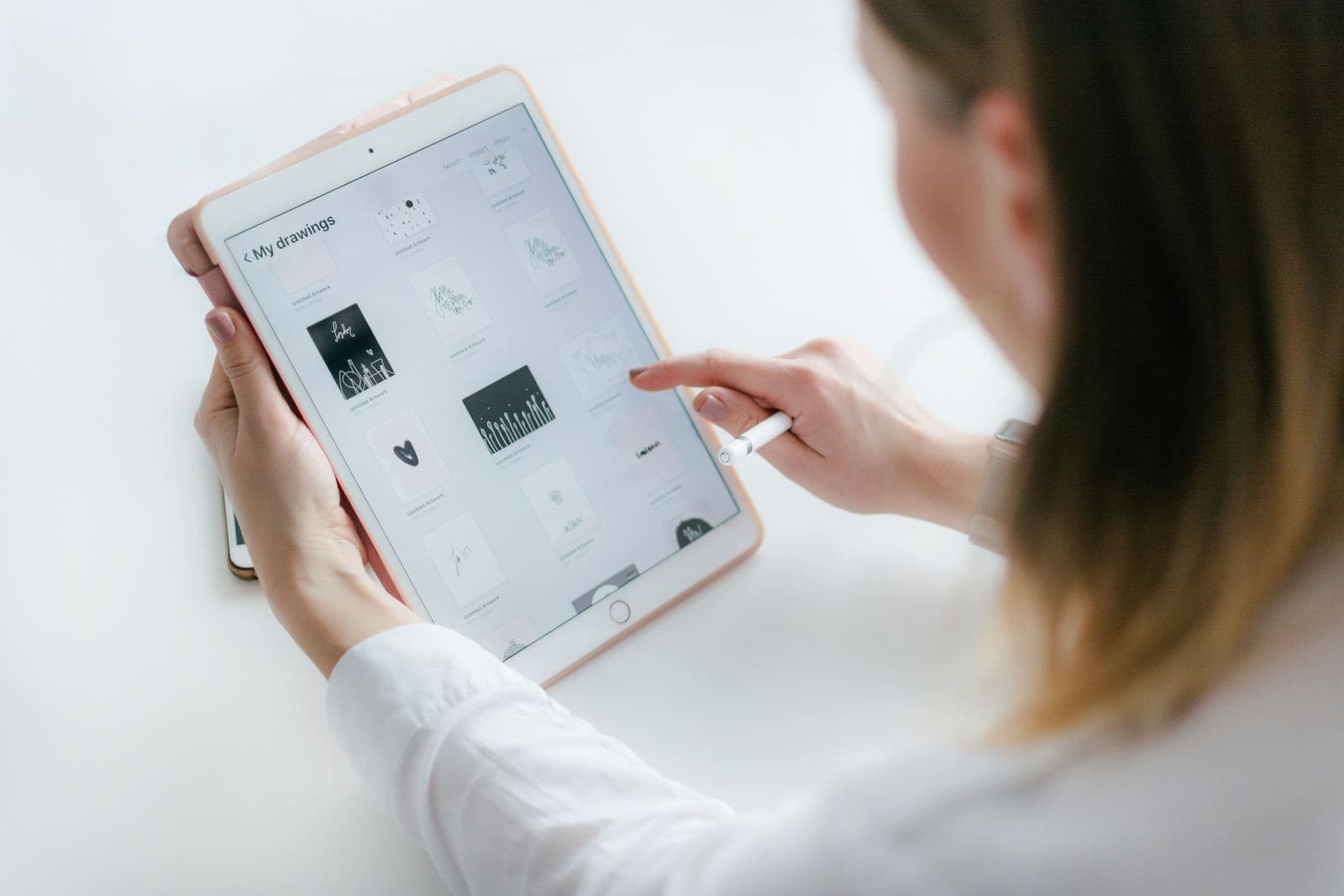
Outpace competitors still doing this by hand
Building a 100-brush pack the manual way eats an entire afternoon, one brush at a time. Brush Packer turns that into seconds — so you can list more packs, more often, while everyone else is still fiddling with Procreate's settings.
- List far more products in the same amount of time
- Every brush gets identical, professional settings — no manual inconsistency
- Turn licensed PNG packs into brand new listings
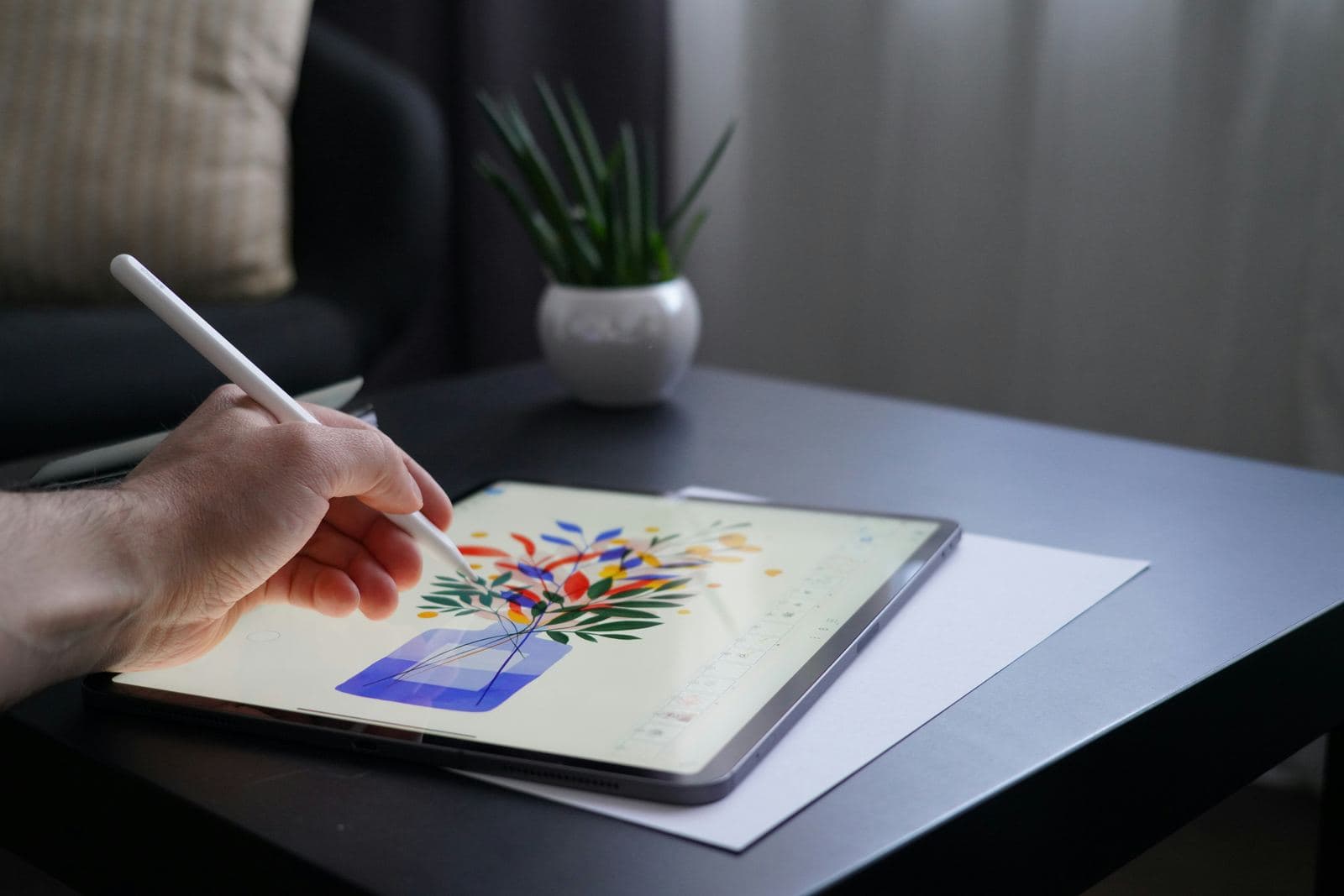
Turn your own art into custom stamps
Got a folder of doodles, logos, or favorite designs sitting on your iPad? Skip Procreate's fiddly brush setup completely — drop your PNGs in and get a working, ready-to-use brush set back.
- No design or file-format knowledge needed
- Works with black line art and full-color illustrations
- Free to try, right now
Built for real brush-pack workflows
From a single custom stamp to a full commercial pack, Brush Packer handles the fiddly parts of Procreate's brush format so you don't have to.
Automatic Shape Masking
Every PNG is converted into Procreate's white-on-black brush shape convention automatically — black line art or full-color illustrations both work.
Batch Brush Generation
Upload a whole folder of PNGs at once and get every brush packed into a single .brushset file.
Procreate-Ready Settings
Each brush ships pre-configured — Stamp Preview, Orient to Screen, Max Size, and Spacing are all set for you, no manual setup in Procreate.
Privacy-First Processing
Uploaded PNGs and generated files are deleted from our servers immediately after your download completes.
Custom or Auto Naming
Name every brush individually, or let Brush Packer auto-number the whole pack for you.
Free, Pro & Max Plans
Start free with small packs, upgrade for bigger uploads and more monthly brush sets.
Etsy Promo Grid Generator
We don't just build your brush pack; we generate your Etsy listing images for you — every generation includes a ready-to-use square promo grid of your stamps, on any tier.
Turn licensed PNGs into a brand new product line
Already buying PNG packs with commercial or resale rights? Don't just use them — repackage them. What's a design pack today can be a sellable Procreate brush pack in the time it takes to make a coffee.
We don't just build your brush pack; we generate your Etsy listing images for you.
1. Buy PNGs with resale rights
From any marketplace that sells commercial-use design packs.
2. Generate a brush pack in seconds
Upload, name, download — no manual Procreate work.
3. Get a ready-made Etsy promo image
Every generation includes a square promo grid of your stamps, built for your listing photos.
4. List it as a new product
A brand new listing, built from art you already had rights to.
Always confirm your source PNGs' license permits commercial use and resale before selling brush packs made from them — licensing terms vary by marketplace and creator.
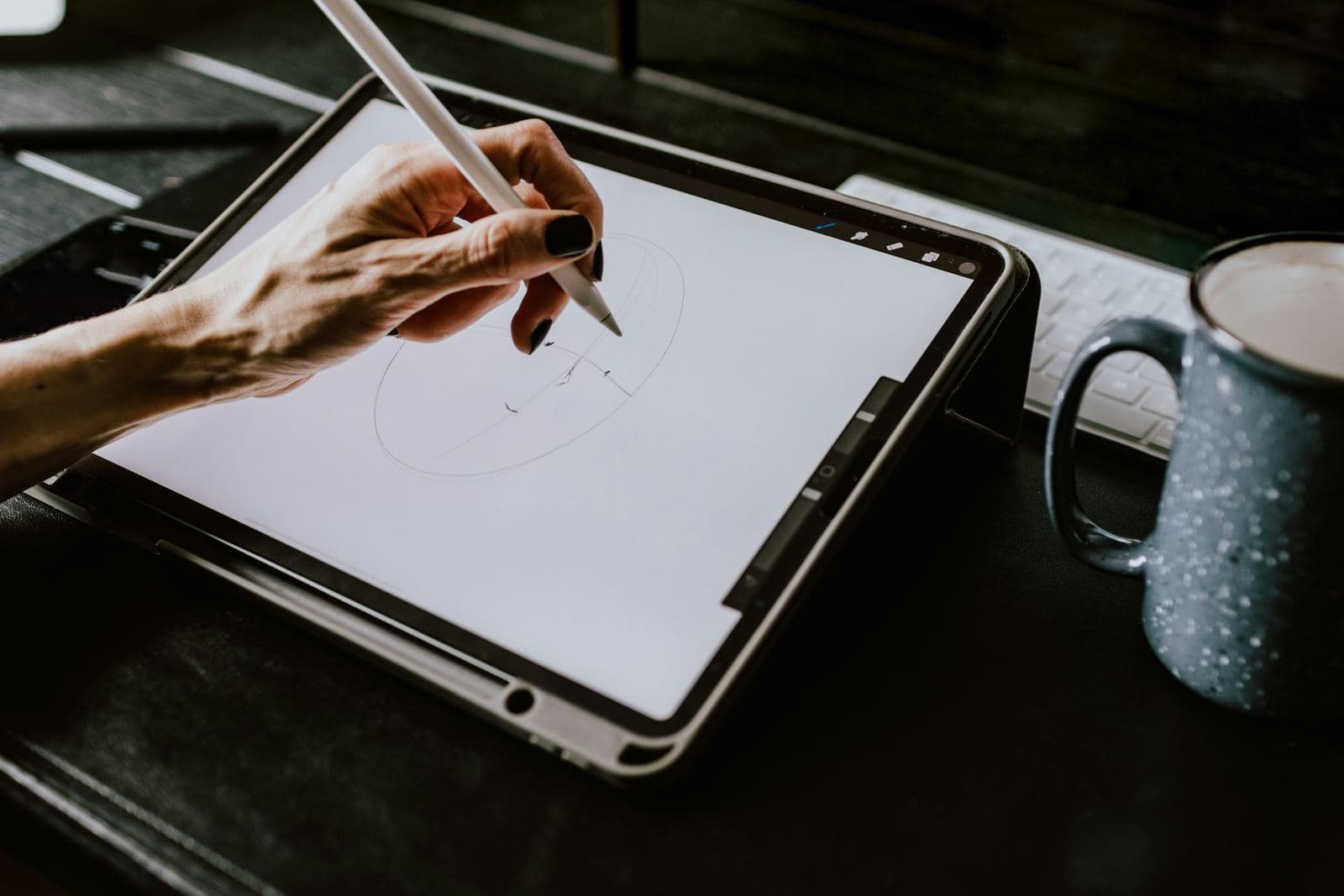
How to generate a brush set
Three steps, no Procreate file-format knowledge required — and no desktop needed.
Upload your PNGs
Drag and drop transparent PNG stamps, line art, or illustrations — one file or a whole folder at once.
Name your brushes
Auto-number the whole pack from a single pack name, or give each brush its own custom name.
Download & import
Get your .brushset file instantly and drop it straight into Procreate — no manual brush setup.
Stop building brushes one at a time
Upload a folder, name your brushes, download a finished pack. Start free — no credit card required.
Get Started FreeFrequently asked questions
Common questions about uploads, privacy, and how brushes are generated.
Transparent PNGs only, for now. Each PNG becomes one brush in your set.